

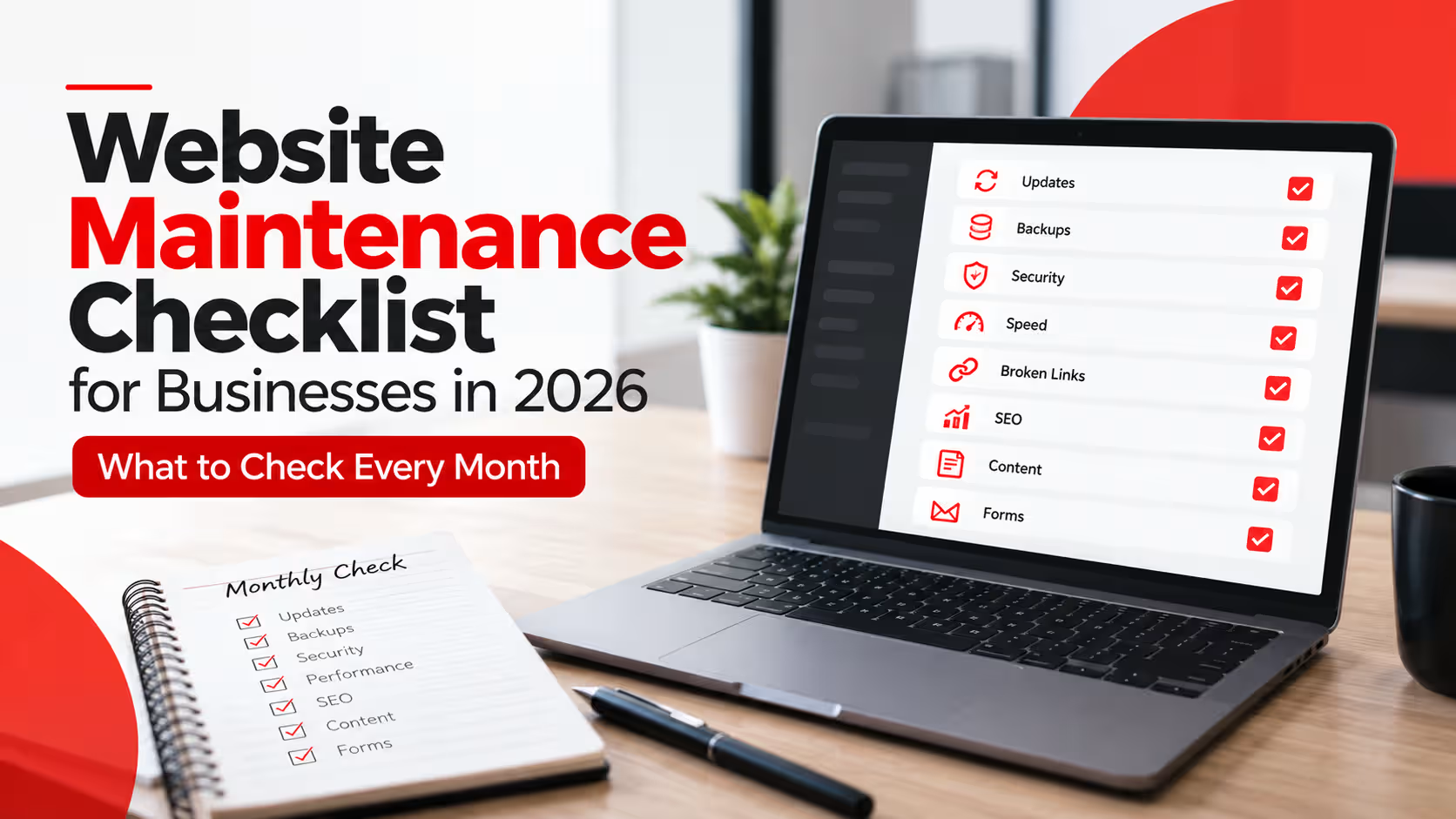
Website Maintenance Checklist for Businesses in 2026: What to Check Every Month
A business website needs regular attention after launch. Updates, backups, security, performance, broken links and content should be reviewed consistently to keep the website reliable for customers and search engines.
A practical website maintenance checklist helps businesses catch small problems before they become larger technical, security or customer-experience issues.
Launching a website is not the end of the project. Plugins change, software receives updates, content becomes outdated, links break and new security risks appear over time. Even a professionally developed website needs routine checks to remain stable and useful.
Regular maintenance is especially important for websites built on content management systems such as WordPress. Professional WordPress Development can create a strong foundation, but the website still needs ongoing care after launch.

Why Website Maintenance Matters for Businesses
Business websites are constantly interacting with browsers, servers, plugins, integrations, search engines and users. Changes in any of these areas can affect how the website performs.
Maintenance is therefore not only about fixing something after it breaks. Regular checks help identify potential problems earlier and keep the website aligned with current business information.
Businesses investing in professional Website Development Services should also consider how the website will be maintained after launch.
1. Check Website Software and Updates
Keep the Website Technology Current
Review CMS, theme, plugin and integration updates regularly instead of allowing outdated components to accumulate.
Software updates often include security fixes, compatibility improvements and bug corrections. Leaving important components outdated for long periods can create unnecessary risk.
Updates should not be applied blindly on an important business website. A backup should exist first, and significant updates should be checked for compatibility.
- Review WordPress core or CMS updates.
- Check theme and plugin updates.
- Remove plugins or extensions that are no longer required.
- Check whether important integrations still work after updates.
2. Confirm Your Website Backups Are Actually Working
A Backup Is Useful Only If It Can Be Restored
Businesses should know when backups are created, where they are stored and whether a recent working copy is available.
A backup can be essential when an update fails, files become corrupted or the website experiences a security problem. Relying on an old or unverified backup can create a false sense of protection.
Backup frequency should reflect how frequently the website changes. A simple business website may require a different schedule from an active eCommerce store receiving orders every day.
3. Review Website Security
Security Requires Ongoing Attention
Updates, access controls, user accounts and suspicious activity should be reviewed regularly instead of waiting for a visible security incident.
Start by checking administrator accounts and removing access that is no longer required. Strong passwords and appropriate account permissions can reduce unnecessary exposure.
- Remove unused administrator accounts.
- Review login and security notifications.
- Confirm SSL is active and working correctly.
- Check for suspicious file or website changes.
- Keep themes, plugins and integrations current.
4. Test Website Speed and Performance
Performance Can Change After Launch
New images, scripts, plugins and content can gradually make a website heavier even when the original build was fast.
Review important pages on both desktop and mobile devices. Watch for slow loading sections, oversized images, delayed interactions or elements that shift unexpectedly while the page loads.
Performance issues can overlap with technical search problems, so periodic Technical SEO Services can help identify Core Web Vitals, crawling and performance issues that need attention.
5. Check for Broken Links and Missing Pages
Broken Links Create Dead Ends
Internal and external links can stop working when pages are removed, renamed or moved to different URLs.
Broken internal links can frustrate users and make important website sections harder to navigate. External resources can also disappear or change without notice.
When an important page URL changes, use a relevant redirect where appropriate instead of sending every removed URL to the homepage.
- Check navigation and footer links.
- Review links inside service pages and blog posts.
- Find important 404 errors.
- Update links pointing to removed or moved content.
- Review redirects for unnecessary chains.
6. Review Basic SEO and Indexing Health
SEO Problems Can Appear After Website Changes
New pages, redesigns, plugins and content changes can unintentionally affect indexing signals and internal website structure.
Important service pages should remain indexable and connected through useful internal links. Periodically review sitemap health, indexing reports and major crawl issues.
- Confirm important pages are not accidentally set to noindex.
- Check XML sitemap availability.
- Review canonical URLs.
- Check important pages in Google Search Console.
- Review image alt text when adding new media.
- Keep internal links relevant and useful.
7. Update Outdated Website Content
Your Website Should Reflect the Business Today
Outdated services, old contact details or inaccurate information can reduce customer confidence even when the website itself works perfectly.
Review important service pages regularly and update information when your services, team, pricing approach, contact details or business direction change.
Blog content should also be reviewed when it contains dates, technology recommendations, pricing information or processes that may have changed.
8. Test Forms, Buttons and Conversion Paths
Do Not Assume Forms Still Work
A contact form can appear normal while notifications, integrations or submission processing have stopped working.
Test important actions exactly as a customer would. Submit contact forms, click phone and email links, review calls-to-action and check important checkout or booking processes.
Conversion paths are especially important after a Website Redesign, plugin update or major content change.
How Often Should Website Maintenance Be Done?
Not every maintenance task needs to be performed at the same frequency. The right schedule depends on how frequently the website changes and how important it is to daily business operations.
Review backups, important forms, critical updates and major website errors.
Check software, links, performance, security, SEO health and important website content.
Revisit UX, service structure, content quality, analytics and whether the website still supports business goals.
eCommerce Websites Need Additional Maintenance
Online stores usually require more frequent attention because products, orders, inventory, promotions and integrations change regularly.
Store owners should also review payment processes, shipping rules, product data, stock information and checkout functionality.
Businesses that need regular store updates can benefit from professional eCommerce Management Services alongside technical maintenance.
Website Maintenance Is Preventive Work
The best maintenance work often goes unnoticed because the goal is to identify problems before customers encounter them, not after the website has already failed.
When Should You Get Professional Website Maintenance Help?
Basic content updates may be manageable internally, but professional support becomes more valuable when the website depends on multiple plugins, integrations, custom functionality or eCommerce features.
You should also consider professional assistance when updates repeatedly cause errors, backups are unreliable, performance continues to decline or the team is unsure whether technical changes are safe.
In some cases, ongoing maintenance reveals that the website’s underlying structure is no longer suitable. At that point, improving the existing site through Custom Website Development or a structured redesign may be more practical than continuing to patch the same problems.
Final Website Maintenance Checklist
A business website should be treated as an active digital asset rather than something that is finished permanently on launch day.
- Update website software carefully.
- Verify recent backups.
- Review security and user access.
- Test speed and mobile performance.
- Fix important broken links.
- Check indexing and technical SEO health.
- Refresh outdated content.
- Test forms, buttons and conversion paths.
Following this website maintenance checklist every month can help businesses keep their websites more reliable, current and easier for customers to use throughout 2026 and beyond.
Frequently Asked Questions
What should be included in a website maintenance checklist?
A website maintenance checklist should include software updates, backups, security checks, performance testing, broken link reviews, SEO checks, content updates and testing of forms and important website functionality.
How often should a business website be maintained?
Important operational checks may be performed weekly, while a broader website maintenance review should generally be completed monthly. More active websites and eCommerce stores may require more frequent attention.
Why are website backups important?
Backups provide a recovery option if an update fails, files become corrupted or the website experiences a technical or security problem. Backups should be recent and stored in a way that allows restoration when required.
Does website maintenance help SEO?
Website maintenance can support SEO by helping keep important pages accessible, links functional, performance healthy, content current and indexing signals correctly configured.
Can I maintain my website myself?
Basic updates may be manageable internally, but websites with custom functionality, eCommerce systems or multiple integrations may require professional technical support to reduce the risk of errors.
Keep Your Website Reliable After Launch
Whether your website needs technical improvements, ongoing updates or a stronger development foundation, AalaWeb can help keep your digital presence working as your business grows.