

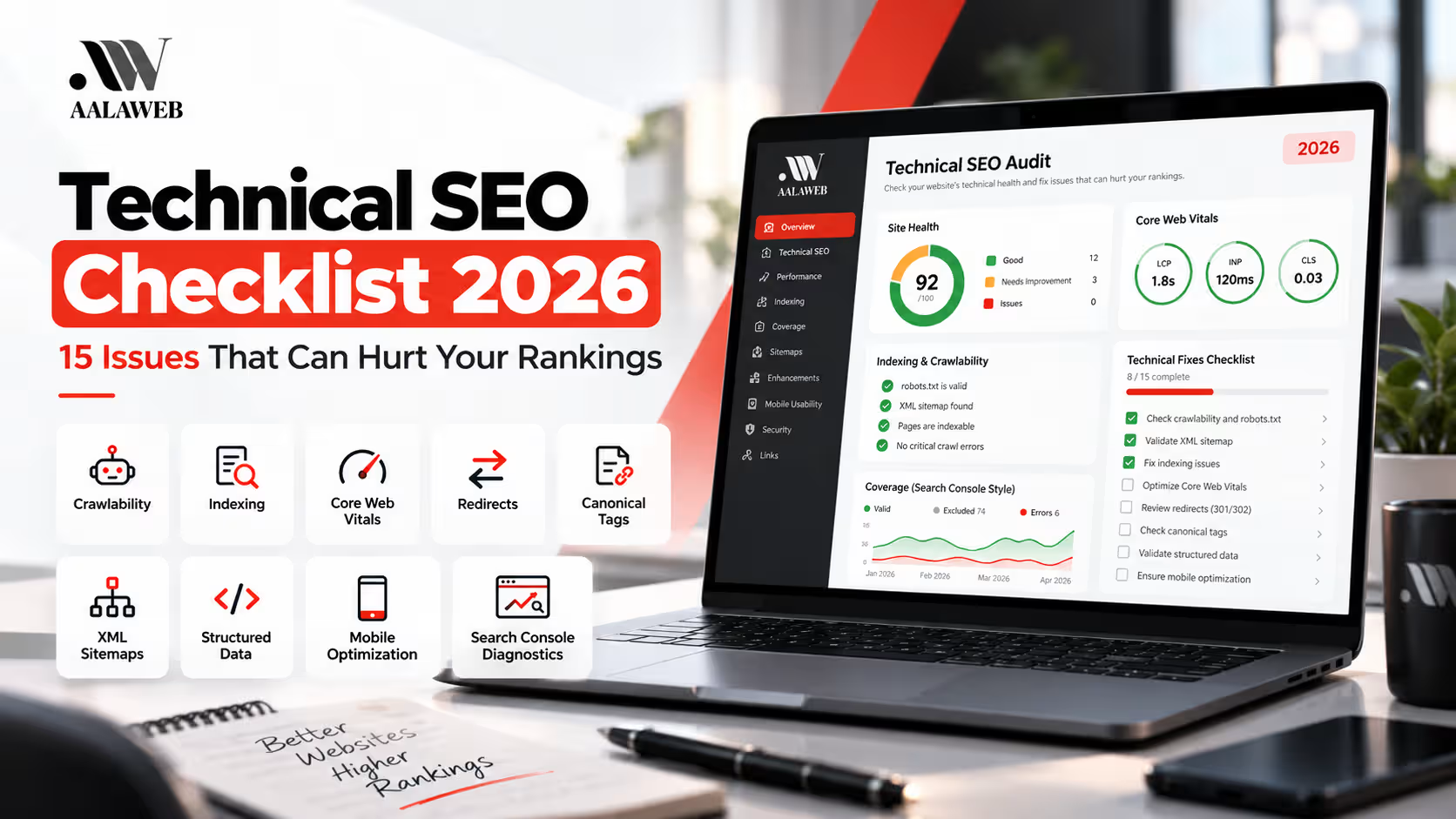
Technical SEO Checklist 2026: 15 Issues That Can Hurt Your Rankings
Use this technical SEO checklist to identify crawlability, indexing, performance and website structure issues that can make it harder for search engines to access and understand important pages.
A practical technical SEO checklist helps identify website problems that may limit crawling, indexing, performance and organic search visibility.
Strong content alone is not enough when search engines encounter blocked pages, incorrect canonical signals, broken redirects, slow performance or confusing site architecture.
Professional Technical SEO Services focus on removing those barriers so important pages have a healthier foundation for search engines and users.

Why Technical SEO Matters in 2026
Technical SEO works behind the scenes to make sure search engines can access, process and understand the pages that matter.
It does not replace useful content, strong relevance or authority. Instead, it helps prevent technical barriers from weakening pages that might otherwise deserve organic visibility.
This is why a broader SEO strategy should combine technical health with content, on-page optimization, internal linking and authority rather than relying on one area alone.
1. Check Website Crawlability
Search Engines Need a Clear Path to Important Pages
Crawlability problems can prevent search engines from discovering or accessing content even when the page itself is valuable.
Review whether important pages can be reached through internal links and whether technical restrictions are blocking unnecessary or valuable URLs.
- Check important pages for crawl restrictions.
- Review orphan pages with no internal links.
- Check broken internal links.
- Review unnecessarily deep site architecture.
- Look for excessive crawlable parameter URLs.
2. Review Indexing Issues
Crawled Does Not Automatically Mean Indexed
Important pages should send clear signals that they are eligible and useful for indexing.
Review noindex directives, canonical tags, redirects and Search Console indexing reports when an important page is missing from search results.
Not every URL needs to be indexed. The goal is to make sure the pages that matter commercially and informationally are eligible for indexing without unnecessary conflicting signals.
3. Audit Your XML Sitemap
Your Sitemap Should Focus on Important Indexable URLs
XML sitemaps help search engines discover important website pages but should not become a list of redirects, errors or intentionally excluded URLs.
- Include important canonical URLs.
- Remove obvious 404 URLs.
- Remove unnecessary redirect URLs.
- Avoid adding intentionally noindexed pages.
- Submit the correct sitemap through Search Console.
4. Review Your Robots.txt File
Do Not Accidentally Block Important Resources or Pages
Robots.txt can control crawler access, but incorrect rules can create unnecessary crawling problems.
Check whether important website areas are unintentionally blocked and whether your robots directives still match the current site structure.
Robots.txt and noindex do different jobs. Blocking crawling is not the same as telling a search engine not to index a page.
5. Check Canonical Tags
Make the Preferred Version of a Page Clear
Canonical tags help communicate which URL should represent a set of similar or duplicate pages.
Incorrect canonicals can point important pages toward unrelated URLs, create mixed signals or prevent the preferred version from being treated as intended.
- Check self-referencing canonicals on primary pages.
- Review product and category variations.
- Check parameter and tracking URLs.
- Look for canonicals pointing to broken or redirected pages.
6. Fix Redirect Chains and Loops
Redirect Important Old URLs Directly to the Best Replacement
Long redirect chains add unnecessary steps for users and crawlers and make website maintenance harder.
When a URL changes, update internal links so they point directly to the final destination instead of relying on several redirects.
Redirect loops should be fixed immediately because they prevent the destination from loading correctly.
7. Review Broken URLs and 404 Errors
Not Every 404 Needs a Redirect
Broken internal links should be fixed, but genuinely removed pages do not automatically need to redirect to the homepage.
If an old page has a close and useful replacement, redirect it directly. If no meaningful replacement exists, a proper 404 response may be more appropriate.
Pay particular attention to broken URLs that still receive internal links, external links or traffic.
8. Review Core Web Vitals and Performance
Measure Loading, Responsiveness and Visual Stability
Core Web Vitals provide useful signals for evaluating important aspects of the real user experience.
Current Core Web Vitals focus on Largest Contentful Paint, Interaction to Next Paint and Cumulative Layout Shift.
- Optimize oversized images.
- Reduce unnecessary scripts where possible.
- Review slow server response and page delivery.
- Reduce unexpected layout movement.
- Test important templates on mobile and desktop.
Performance should be improved for real users rather than chasing a perfect score at the expense of useful functionality.
9. Test Mobile Usability
Important Content and Actions Must Work on Smaller Screens
A page can technically load on mobile while still creating a frustrating user experience.
Check menus, forms, buttons, text size, spacing and interactive elements on actual mobile devices.
Responsive website development should consider mobile structure from the beginning instead of treating it as a smaller desktop version.
10. Check HTTPS and Security Issues
Your Website Should Load Securely and Consistently
HTTPS should work correctly across important pages without mixed-content warnings or unnecessary protocol duplication.
Check whether HTTP versions correctly redirect to HTTPS and whether internal resources such as images, scripts and styles load securely.
Expired certificates and mixed-content problems can reduce user trust and create technical issues that should be fixed quickly.
11. Review Structured Data
Structured Data Should Describe Real Visible Content
Schema markup can help search engines better understand eligible page information when it is implemented accurately.
Use relevant schema types only where they genuinely match the page.
- Validate important structured data.
- Remove unsupported or misleading properties.
- Check duplicated schema from multiple plugins.
- Keep structured data aligned with visible page content.
12. Improve Internal Linking and Site Architecture
Important Pages Should Be Easy to Discover
Internal links provide useful navigation for users and help search engines understand relationships between topics.
Important service and category pages should not be buried several levels deep or exist without meaningful internal links.
For example, AalaWeb’s broader SEO Services can naturally connect to eCommerce SEO, Local SEO and Technical SEO pages.
13. Find Duplicate and Low-Value URLs
Large Websites Can Generate Many Similar URLs
Filters, tags, archives, tracking parameters and product variations can create unnecessary duplication.
Duplicate URLs are especially common on eCommerce websites where filters and product variations can produce many crawlable combinations.
A focused eCommerce SEO strategy should review these URLs alongside product, category and store architecture.
14. Check JavaScript Rendering
Critical Content Should Remain Accessible
JavaScript-heavy websites can create problems when important links, content or metadata depend on scripts that do not render as expected.
Check whether important page content is available to search engines and whether JavaScript navigation creates crawlable URLs.
Pay particular attention to product listings, filters, pagination, navigation and dynamically loaded content on larger websites.
15. Review Google Search Console Errors and Reports
Use Real Search Data to Prioritize Technical Work
Search Console can reveal indexing patterns, crawl issues, sitemap problems and search performance changes that deserve investigation.
- Review page indexing reports.
- Inspect important URLs individually.
- Check submitted XML sitemaps.
- Review Core Web Vitals data.
- Monitor important organic queries and pages.
- Investigate sudden changes rather than making random fixes.
Which Technical SEO Issues Should You Fix First?
Not every technical issue has the same impact. Prioritize problems based on whether they affect important pages, user experience and search engine access.
Fix blocked important pages, incorrect noindex directives, serious canonical conflicts and server errors first.
Improve redirects, sitemaps, internal links, duplicate URLs and website structure.
Improve Core Web Vitals, mobile experience, structured data and remaining technical inefficiencies.
Technical SEO Does Not Guarantee Rankings by Itself
Technical improvements remove barriers and strengthen the foundation of a website. Rankings still depend on relevance, useful content, competition, authority and how well the page satisfies search intent.
When Should You Run a Technical SEO Audit?
Technical audits are especially useful when a website has experienced a redesign, migration, platform change, traffic decline or persistent indexing problems.
Larger websites and eCommerce stores may also benefit from regular monitoring because new products, filters, integrations and content can introduce technical issues over time.
If Search Console begins reporting unexpected indexing changes, server errors or important pages disappearing from search, investigate the cause before making broad website changes.
Final Technical SEO Checklist for 2026
- Confirm important pages are crawlable.
- Check indexing status and directives.
- Keep XML sitemaps clean.
- Review robots.txt rules.
- Validate canonical tags.
- Remove redirect chains and loops.
- Fix important broken URLs.
- Review Core Web Vitals.
- Test mobile usability.
- Confirm HTTPS works correctly.
- Validate structured data.
- Improve internal linking and architecture.
- Control duplicate and low-value URLs.
- Review JavaScript-dependent content.
- Monitor Google Search Console regularly.
Final Thoughts
A technical SEO checklist gives you a structured way to identify problems instead of making random website changes whenever rankings fluctuate.
Start with crawlability and indexing, then move into site architecture, canonical signals, redirects, performance and structured data.
The goal is not to make a website technically complicated. The goal is to create a clean foundation that helps search engines access important content and gives users a reliable website experience.
A professional Technical SEO audit can help prioritize these issues based on their actual impact rather than treating every warning as equally important.
Frequently Asked Questions
What should be included in a technical SEO checklist?
A technical SEO checklist should include crawlability, indexing, XML sitemaps, robots.txt, canonical tags, redirects, 404 errors, Core Web Vitals, mobile usability, HTTPS, structured data, internal linking, duplicate content and Search Console monitoring.
What is a technical SEO audit?
A technical SEO audit reviews the website infrastructure and identifies issues that may affect how search engines crawl, render, understand and index important pages.
Can technical SEO improve Google rankings?
Technical SEO can remove barriers that affect crawling, indexing, performance and website structure. Rankings still depend on content relevance, competition, authority and other search signals.
How often should a technical SEO audit be performed?
There is no fixed schedule for every website. Audits are particularly useful after migrations, redesigns, platform changes, major traffic drops or when Search Console reports unexpected indexing problems.
Are Core Web Vitals part of technical SEO?
Yes. Core Web Vitals are commonly reviewed during technical SEO because they help evaluate loading performance, responsiveness and visual stability for real users.
Is technical SEO important for eCommerce websites?
Yes. eCommerce websites can generate complex technical issues through product variants, category filters, pagination, parameter URLs, duplicate content and large numbers of product pages.
Need Help Finding Technical SEO Problems?
AalaWeb reviews crawlability, indexing, website performance, site structure and technical search signals to help build a stronger foundation for organic visibility.